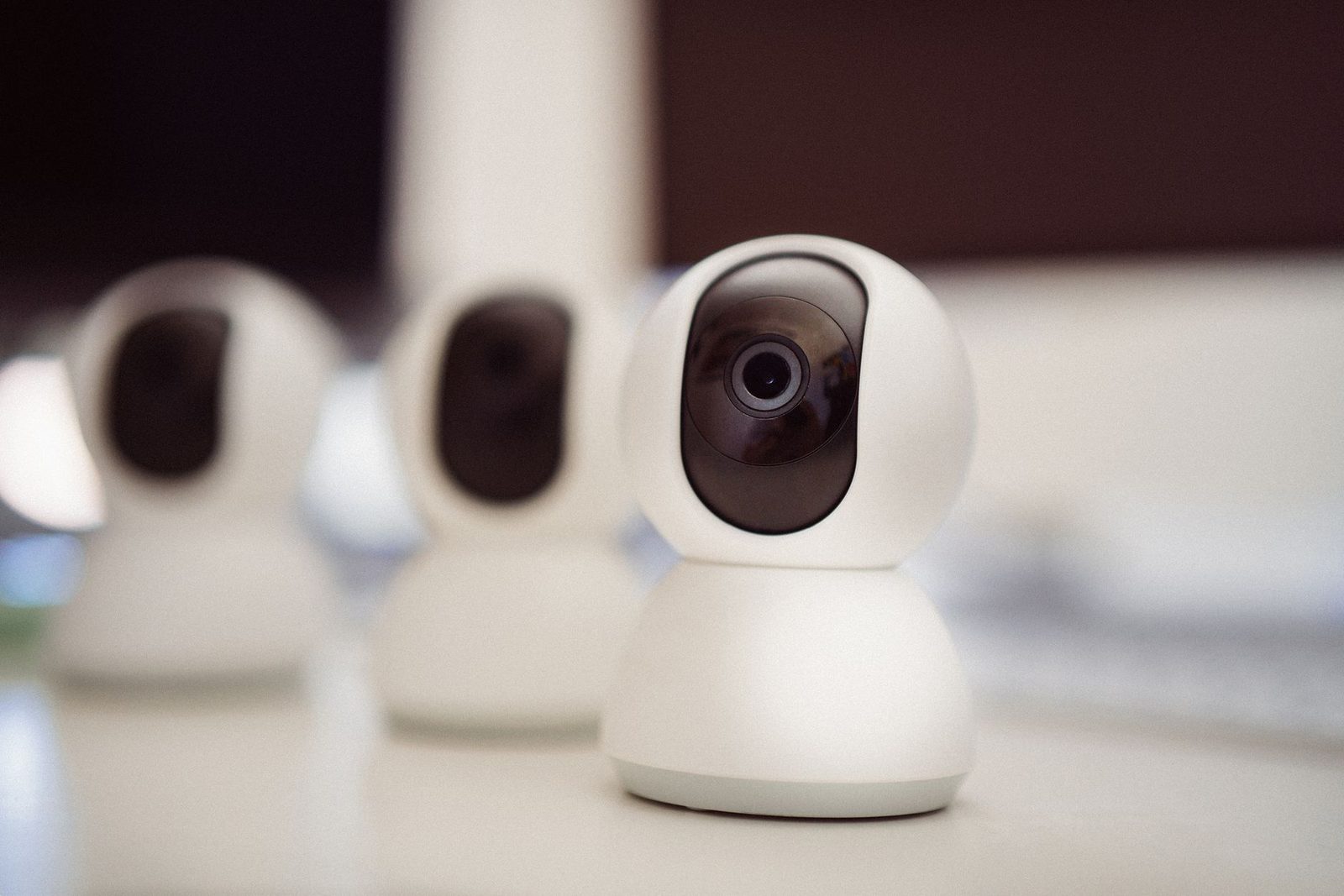
Nobody has ever typed "your upload speed isn't good enough" before hitting Next. They just leave. And whoever stays sitting in front of the camera draws whatever conclusions they can: I'm boring, I'm not their type, my opening line was bad. That's often wrong. On a chatroulette-style site, a significant share of early exits has nothing to do with looks or conversation, and everything to do with a picture that freezes for half a second every three seconds and audio that arrives a beat late.
The technical layer of random video chat is invisible to the person suffering from it, because they never see what the other person sees. You watch yourself in the local thumbnail — sharp and smooth, the one that never travels across any network. The person on the other end receives a compressed, delayed version, sometimes degraded to the point of being unreadable. The gap between those two images is the biggest blind spot in the whole practice.

What actually happens between your two cameras
WebRTC, or why your connection matters more here than anywhere else
Nearly all modern cam-to-cam platforms are built on WebRTC, a set of standards developed under the auspices of the W3C and the IETF and built natively into Chrome, Firefox and Safari. Its defining feature: in the ideal case, the video stream travels peer to peer, straight from your machine to the stranger's, without passing through a central server that would relay it.
That's excellent news for privacy and for latency. It's bad news for stability. On a conventional streaming platform, a powerful server absorbs the irregularities. Peer to peer, the quality of the exchange is exactly equal to the weakest link of the two connections — and you have zero control over the one at the other end.
WebRTC automatically adjusts the bitrate it sends based on what it detects about the network. In practice, when your link weakens, the algorithm doesn't cut off: it degrades. First it lowers the resolution, then the smoothness. Your face turns into a mush of blocks at 10 frames per second, and you have no idea, because your local preview stays perfect.
Upload speed, the number nobody looks at
Internet plans are sold on download speed: 500 Mbps, 1 Gbps, the flattering figures in the ads. In video chat, it's your upload speed that defines you — the one leaving your home for the outside world. On an ADSL or VDSL line, it's dramatically asymmetric — sometimes 1 Mbps up for 40 Mbps down.
The useful ballpark figures, widely documented by videoconferencing vendors:
| Target quality | Upload speed required | How it feels on the other end |
|---|---|---|
| 360p, 15 fps | ~0.4 Mbps | Face recognizable, expressions lost |
| 480p, 25 fps | ~0.8 Mbps | Decent, a smile reads clearly |
| 720p, 30 fps | ~1.5 Mbps | Comfortable, micro-expressions visible |
| 1080p, 30 fps | ~3 Mbps | Excellent, rarely necessary |
Arcep, the French regulator for electronic communications, regularly publishes quality measurements for fixed and mobile access that show the considerable gap between technologies. On fiber, upload is generally sufficient for anything. On ADSL, on congested 4G or on a mobile hotspot, it becomes the absolute limiting factor.
Latency: the silent killer of spontaneity
Bitrate governs sharpness; latency governs naturalness. It's the delay between the moment you speak and the moment the other person hears you. Below 150 milliseconds round trip, the brain doesn't notice it. Above 300 ms, the conversation changes in nature: you talk over each other, you leave gaps, you keep saying "go ahead, you first."
Work carried out notably at Stanford University on videoconferencing fatigue — Jeremy Bailenson's research on what he named "Zoom fatigue" — has shown that these micro-desynchronizations don't merely annoy: they're unconsciously read as social signals. Someone who answers half a beat late is perceived as less friendly, less attentive, less likeable. They did nothing wrong. The network spoke for them.
A ten-minute diagnosis
Step 1: measure, don't guess
Start with a serious speed test — nPerf or Arcep's own service will do — noting specifically the upload figure and the ping. Do it wired if possible, then over Wi-Fi from your usual spot. The gap between the two is often the revelation.
Next, open your browser's internal WebRTC page during a session: on Chrome, chrome://webrtc-internals, on Firefox, about:webrtc. There you'll find, in real time, the resolution actually being sent, the frames per second and the packet loss rate. It's austere, but it's the only place where you see what the other person is receiving.
Step 2: Wi-Fi is almost never your friend
Home Wi-Fi is optimized for bursty downloads, not for a continuous, steady upstream. A microwave oven, a load-bearing wall, the neighbor's network on the same 2.4 GHz channel, and your stream starts dropping packets in bursts.
Three fixes, in order of effectiveness:
- Plug in a cable. A simple five-meter Cat 6 Ethernet cable single-handedly solves the majority of stuttering problems people blame on their computer. It's the best benefit-to-price ratio on this entire list.
- Switch to the 5 GHz band if your router offers it under a separate SSID. Shorter range, but far less congested channels.
- Physically move the machine closer to the router, or the other way around. Two meters and one wall less sometimes changes everything.
On a laptop with no Ethernet port, a USB-C to Ethernet adapter costs about as much as lunch and slips into a pocket.

Step 3: free up bandwidth and CPU
Random video chat is demanding on the network and on computing power at the same time: real-time video encoding puts a serious load on the processor. On a busy machine, the encoder gives out before the network does.
Before a session, close whatever syncs in the background: cloud backups, download clients, game updates. If someone else is watching 4K video in the living room on the same line, you won't have the upload you need. In a browser, twenty or so open tabs eat up more than you'd imagine.
One telltale sign: the fan spinning up and the picture going mushy after ten minutes. That's a thermal problem. The processor lowers its clock speed to avoid overheating, and the encoder follows. A cooling laptop stand, by raising the machine and clearing the bottom air vents, pushes that threshold back surprisingly far — especially on thin models sitting flat on a desk.
Hardware: where money genuinely buys something
Sound before picture, always
This is the most counterintuitive and most rock-solid piece of advice: on a degraded channel, humans tolerate a mediocre picture far longer than mediocre sound. Blurry video stays watchable; audio that crackles, clips or echoes becomes unbearable within thirty seconds.
A laptop's built-in microphone picks up everything: the keyboard, the fan, the room echo, the traffic outside. It sits fifty centimeters from your mouth and two centimeters from the cooling system. Moving it closer to the source changes everything. A clip-on lavalier microphone, plugged in via USB or a jack, costs a few dozen euros and improves intelligibility more than any three-hundred-euro camera.
Second point: wear a headset or earphones. Without them, the other person's voice comes out of your speakers, gets picked back up by your mic and returns to them as an echo. Echo-cancellation algorithms work wonders, but they get there by degrading your voice. A headset removes the problem at the root instead of masking it.
The webcam: when to replace it, and when not to
Most built-in webcams produce an acceptable image in full light. Their weakness isn't the resolution but the sensor size: in a dimly lit room, they crank up the gain and the picture fills with digital grain. And grain is the mortal enemy of video compression: random noise changes with every frame, the encoder can't predict anything, and it spends its entire bitrate transmitting noise instead of your face.
Hence the spending hierarchy, in this order:
- Light. A lamp placed behind the screen, aimed at you, delivers a quality gain no sensor can compensate for. An adjustable LED ring light with color temperature control remains the best-performing accessory, and it also gets you away from the lit-from-below face that a screen alone produces.
- Sound. See above.
- The camera. An external 1080p webcam with a larger sensor only makes sense once the first two points are handled.
A sharp image in a well-lit room at 480p comes across better than a noisy one at 1080p. Compression rewards stability, not pixels.
One last underrated detail: physical stability. A webcam balanced on a stack of books, or a phone held in the hand, produces constant micro-movements. Every tremor forces the encoder to retransmit the entire frame. A small adjustable desk tripod, or even the original clip properly secured, saves bandwidth and keeps the framing constant — and therefore more restful to watch.

Browser and mobile trade-offs
Choosing your software environment
Random video chat platforms run in the browser, and not all browsers implement WebRTC with equal efficiency. Chromium-based browsers generally have the best-supported hardware acceleration, which considerably lightens the CPU load during encoding. Check that hardware acceleration is enabled in the settings — it's sometimes off by default on certain Linux setups or after a driver update.
Watch out for extensions too: aggressive blockers, browser-built-in VPNs and proxies add a layer that can prevent the peer-to-peer connection from being established. The classic symptom: the connection comes up and then systematically drops after a few seconds, or the picture never appears in one direction. A VPN also adds latency — a legitimate trade-off for anonymity, but one you should make knowingly, and preferably with a geographically nearby server.
The smartphone case
Plenty of sessions now happen from a phone. The sensors there are excellent, often better than a mid-range webcam, but three problems show up:
- Framing. Held in the hand, the device moves and shoots from below, the least flattering angle there is. An articulated desk phone stand settles the matter for good.
- Heat. Prolonged video encoding heats the device, which throttles its performance after about fifteen minutes.
- 4G/5G. Mobile upload speed varies enormously depending on the time of day and the load on the cell tower. In the evening, exactly when video chat is busiest, the cells are also at their most congested.
A conclusion that isn't technical
There's a psychological reason to deal with all of this, and it goes well beyond picture comfort. When the tech holds up, you stop thinking about it. You no longer wonder whether the other person can hear you, you don't repeat your sentence, you don't scrutinize your own thumbnail to check that you haven't frozen. All that freed-up mental load goes back where it's useful: to listening, reacting, being funny.
That's exactly the mechanism described by research on cognitive load in mediated communication. Every technical glitch consumes attentional resources you no longer have for the relationship. Someone who has to make an effort to understand you will make less of one to appreciate you.
Sorting out your bandwidth, plugging in a cable, turning on a lamp and putting a microphone closer to your mouth won't make you more interesting. It will simply remove the reasons to leave that have nothing to do with you.