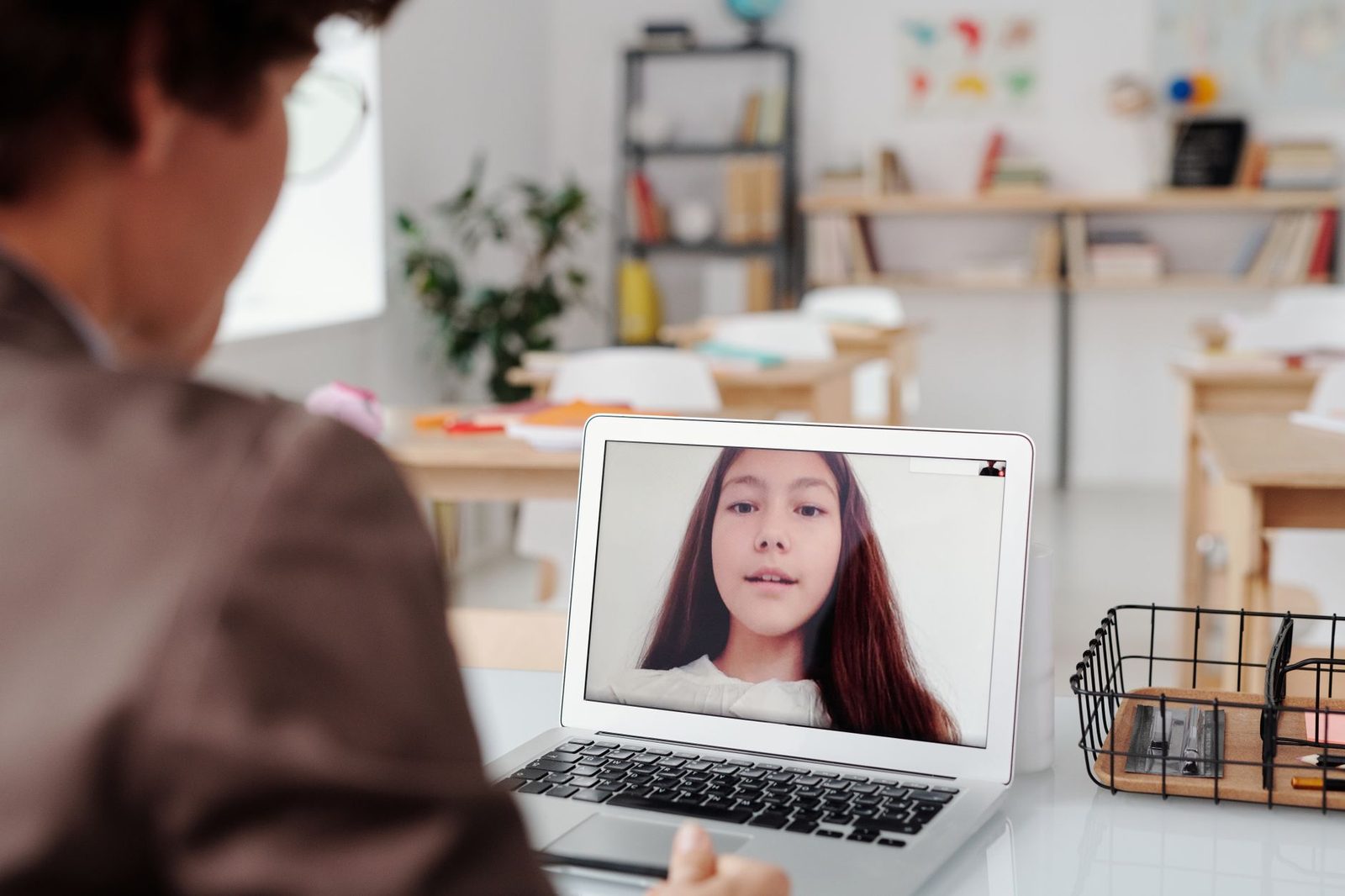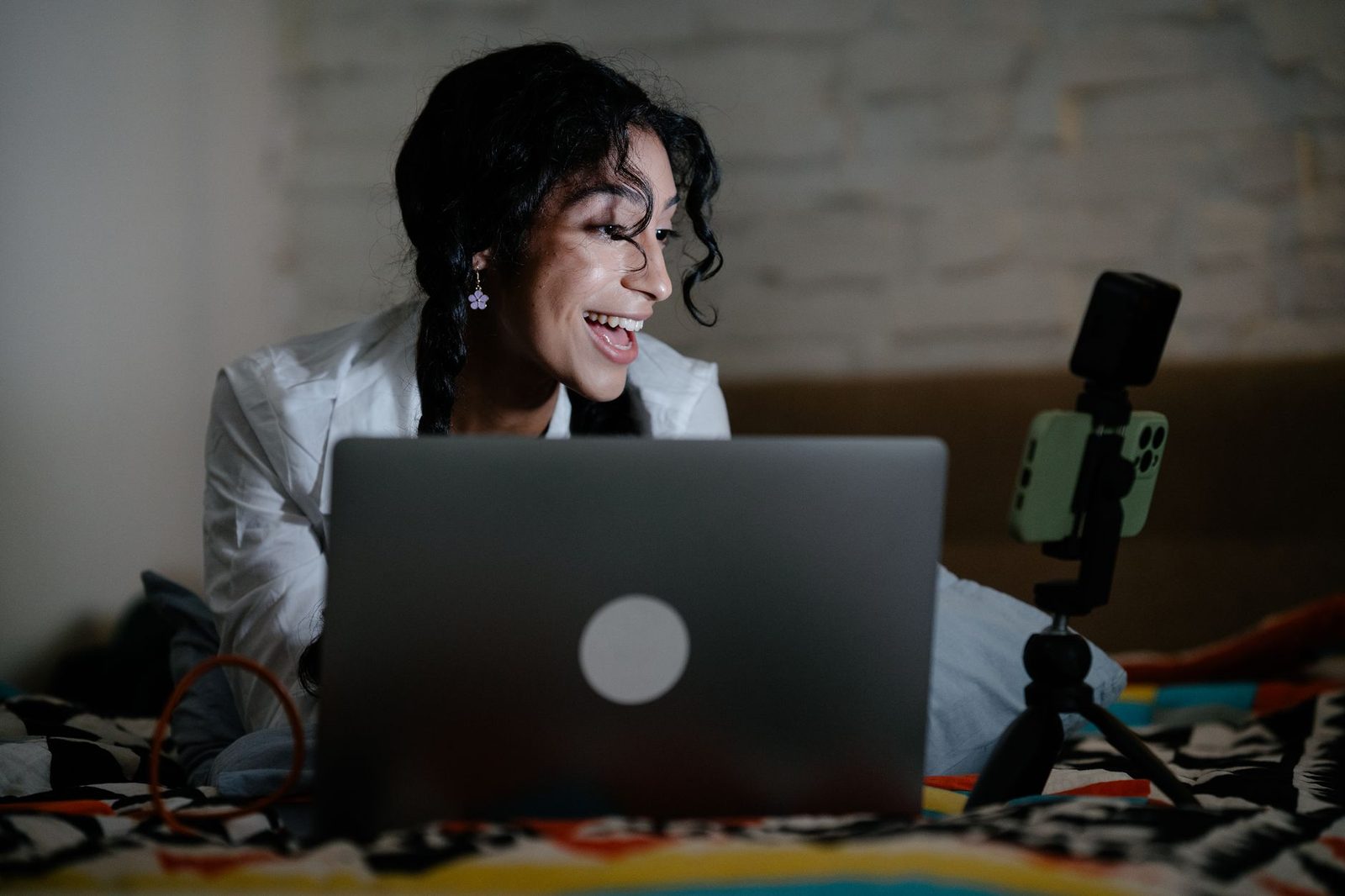
On a chatroulette, your picture and your sound speak before you do. Light facing your face, a camera at eye level, a neutral background and a decent microphone are enough to double the number of conversations that actually last — with no studio gear and no technical skills.
You've worked on your icebreakers, you know how to keep things going, you're comfortable. And yet you get "nexted" in two seconds. The problem may not be your conversation: it's that the other person only sees a dark silhouette against a backlit window, a badly framed ceiling, or hears nothing but a metallic echo. In random video chat, the decision to stay is made before the first word.
This article isn't a professional streaming guide. It's a list of simple settings, most of them free, so that your face is readable and your voice is clear. The rest — sincerity, curiosity, listening — is up to you.
Why the first two seconds are decided by your image
Social psychology research is consistent on this point: judgement of a face forms in a fraction of a second. Work by Janine Willis and Alexander Todorov, published in Psychological Science (Princeton University), shows that a 100-millisecond exposure is enough to form an impression of trustworthiness — and that extra time only reinforces that initial impression.
On a chatroulette, this mechanism is amplified. The other person has no name, no profile, no mutual friends. All they have is what the camera gives them. If your face is in shadow, their brain can't read your micro-expressions — and an unreadable face is perceived as less engaging, quite simply because it sends no signal at all.
In other words: taking care of your image has nothing to do with vanity. It's a matter of social legibility. You're not making your face better looking, you're making it decodable.
A good picture doesn't make you more interesting. It just stops the technology from making you less interesting than you really are.
Lighting: the one adjustment that genuinely changes everything
If you take away only one thing from this article, take this: light should come from in front of you, not from behind.
Backlighting, enemy number one
The classic scenario: you're sitting with your back to the window. You can see your screen perfectly, everything's fine on your end. But the webcam exposes for the brightest area — the window — and your face becomes a shadow puppet. It's the number one cause of an instant "next".
Solution: turn around. Put the window in front of you, with the screen between you and it. In five seconds, your image goes from anonymous silhouette to readable face.
Building soft light
A single harsh frontal light (ceiling fixture, desk lamp pointed at you) flattens your features and creates hard shadows under the nose and chin. The ideal comes close to what photographers call soft, diffused light:
- A key light slightly off to one side, at 30–45° from your face, a little above eye level;
- A weaker fill light on the other side, to soften shadows — a simple bedside lamp will do;
- An improvised diffuser: a sheet of tracing paper, a white T-shirt stretched out, a pale lampshade.
For those who often chat in the evening, an adjustable LED ring light with variable colour temperature remains the best value accessory of the lot: it sits in front of the screen, tilts, and instantly gets rid of the yellowish cast of household bulbs. Set it around 4500–5000 K and at low intensity: light that's too strong gives you a photocopy look.
Watch your colour temperature
Mixing a very warm ceiling light (2700 K) with daylight (6000 K) gives you a face that's half orange, half blue, which your webcam's automatic white balance won't know how to resolve. Pick a side: either close the curtains and work with uniform artificial light, or switch everything off and keep daylight only.
| Situation | On-screen result | Quick fix |
|---|---|---|
| Window behind you | Face in silhouette | Turn 180° |
| Ceiling light only | Pronounced eye bags, eyes in shadow | Add a low frontal lamp |
| Screen as the only light source | Blue skin tone, flickering | Switch on a side lamp |
| Two sources with different temperatures | Two-tone face | Keep only one |
Framing: camera at eye level
The second most common mistake is the easiest to fix: the laptop sitting flat on a table. The camera then films from below, treating your viewer to a low-angle shot of your chin, your nostrils and your ceiling. It's not flattering for anyone, and above all it breaks the sense of mutual eye contact.
The upper-third eye rule
The classic framing, the one used by every TV presenter, comes down to three points:
- The camera is at eye level, or very slightly above;
- Your eyes sit in the upper third of the frame, not in the centre;
- The frame shows your head and upper shoulders — wide enough to see your gestures, tight enough to read your expressions.
To raise a laptop, an adjustable laptop stand solves the problem for good, but a stack of books works just as well. The benchmark is simple: the top edge of the screen should be roughly level with your forehead.
Let your hands into the frame
A frame that's too tight cuts out your gestures, which are nonetheless a huge part of communication. If you talk with your hands — and most people do — give them room. A frame starting mid-torso lets your gestures exist on screen and makes the exchange far more alive.
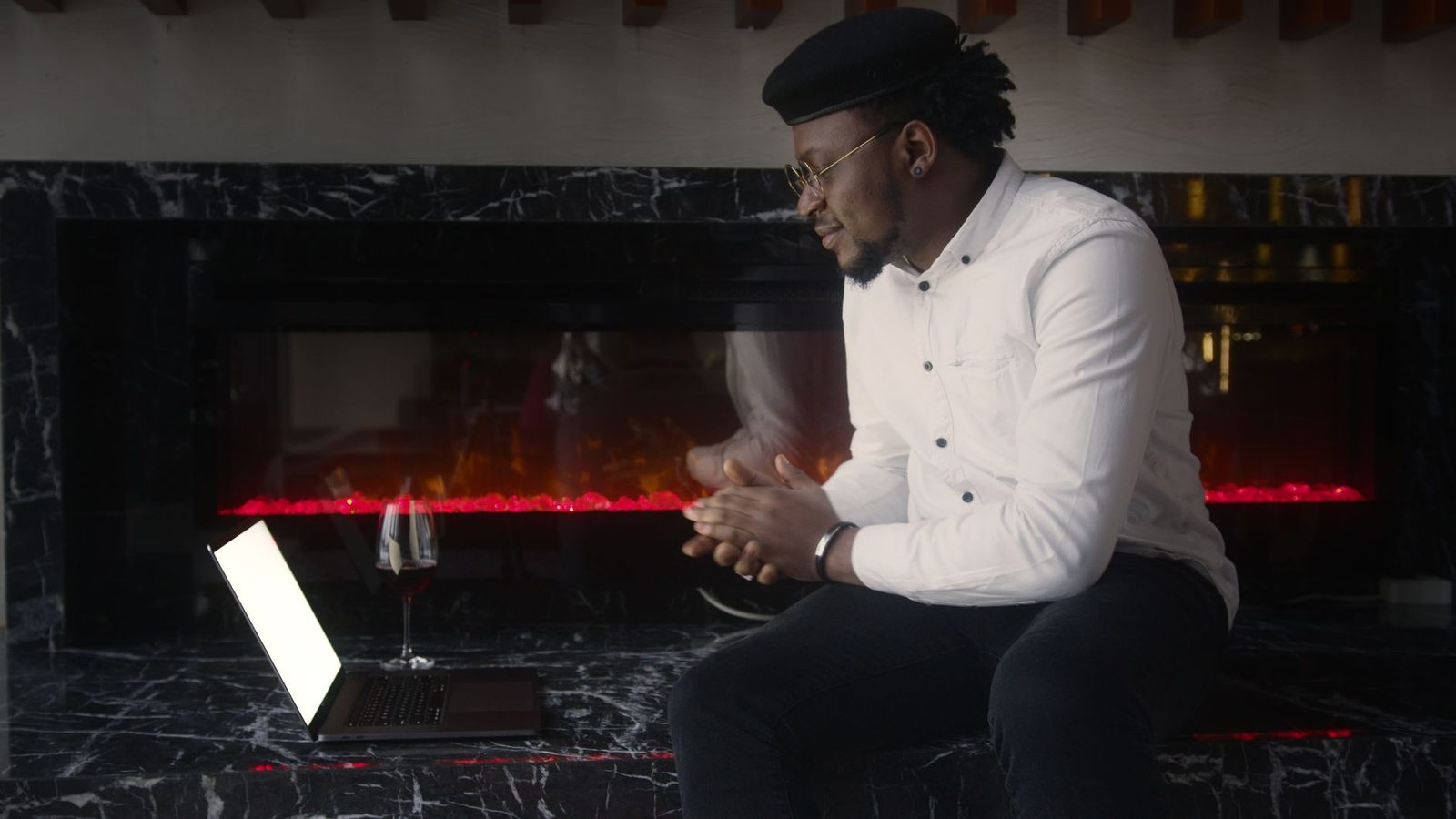
Stability matters
A shaky picture tires the eye and creates an impression of chaos. If you're chatting from a phone, put it down: a small smartphone desk tripod costs about as much as a sandwich and radically transforms the experience for the person you're talking to. Holding your phone at arm's length for twenty minutes means giving the other person mild seasickness — and condemning yourself to a numb arm.
The background: what your surroundings say about you
On an anonymous chatroulette, your background is one of the few pieces of information the other person gets about you. It plays two roles at once: it sets the tone, and it can give you away.
Neutral, but not empty
A completely bare wall is restful but says nothing. A background with one or two simple elements — a shelf, a plant, a poster — offers a conversational hook without being distracting. TV production teams call this "dressing the set". It's also a good source of free icebreakers: how many conversations start with "what's that book behind you?"
What needs to disappear
A security reminder, as it ties directly into our guide on protecting your anonymity:
- Mail, parcels, bills with a visible name and address;
- Identifiable family photos, street signs visible through the window;
- Diplomas, company badges, uniforms;
- A second screen reflecting your tabs or your messages.
France's CNIL regularly points out that the personal data easiest to collect is the data we expose without thinking. A background is a public document: review it once, once and for all.
Background blur, yes, but
Software blurring is handy but imperfect: it "eats" the outlines of hair, glasses and hands, and sometimes creates a distracting halo. Use it if your room is genuinely problematic; otherwise, prefer a real, tidy set. A small artificial plant or a lamp placed in the shot does the job better than a filter.
Sound: the invisible half of your presence
This is the most underestimated point. People will happily accept a mediocre picture, never painful audio. An echo, constant hiss or a voice that keeps cutting out exhausts the listener in under a minute — a well-documented phenomenon known as auditory cognitive load: when the brain has to reconstruct missing words, it has no resources left for the conversation itself.
Three free habits
- Use a headset or earbuds. It's the universal fix for echo: with no speakers, the mic no longer picks up the other person's sound.
- Get closer to the mic. The signal-to-noise ratio improves far faster than you'd think as the source gets closer.
- Treat the room. A bedroom with curtains, a rug, a bed and books sounds infinitely better than a tiled living room with bare walls. If you have the choice, change rooms.
When to invest a little
A laptop's built-in mic picks up the fan, the keyboard and the entire room. If you regularly spend time on video chat, a USB headset with noise cancellation delivers the most spectacular gain per euro spent — well ahead of a pricier camera. A cardioid mic on your desk does even better, but quickly becomes overkill for this use.
One last overlooked detail: don't speak too loudly. Many people compensate for a bad mic by pushing their voice, which clips the recording and tires the vocal cords. Move the mic closer rather than turning up the volume.

Setting up your camera without being a technician
Most built-in webcams run fully automatically. Two or three adjustments are usually enough.
Clean the lens. A lens covered in dust or fingerprints creates a permanent milky haze. An optical microfibre cloth removes in two seconds a flaw many people blame on their hardware.
Check the resolution. A well-lit 720p image beats a dark 1080p one. Light always trumps pixel count.
Turn off beautifying filters. Automatic skin smoothing erases exactly the micro-expressions that make an exchange feel human. You gain an even complexion and lose your face.
Test beforehand. Open your system's camera app once and look at yourself for thirty seconds, the way a stranger would. It's the best audit you can run.
Your own comfort matters too
A comfortable session lasts longer and goes better. A few frequently forgotten points:
- Seat height. If you raise the camera without raising your chair, you'll end up with your neck cricked. Adjust both together.
- Eye strain. France's national ophthalmologists' union recommends the 20-20-20 rule: every 20 minutes, look at something 6 metres away for 20 seconds. It applies between conversations too.
- Ambient light. A bright screen in a dark room tires the eyes. Always keep some indirect lighting behind the screen.
- Duration. We covered this in our article on video chat fatigue: three twenty-minute sessions beat one ninety-minute marathon.
The minimal kit, in order of priority
If you want to progress step by step, here's the order that gives the best return:
| Priority | Action | Cost |
|---|---|---|
| 1 | Turn around so the light is in front of you | €0 |
| 2 | Raise the camera to eye level | €0 (some books) |
| 3 | Use earbuds to kill the echo | often already at home |
| 4 | Clean the webcam lens | a few euros |
| 5 | Add a soft frontal lamp | small budget |
| 6 | Move up to a dedicated headset mic | medium budget |
Note that the first three points, the ones that change your conversation partner's experience the most, cost nothing. That's the good news here: gear comes a long way behind settings.
What technology will never do for you
One last word, because it would be absurd to end this article on a shopping list. Perfect lighting doesn't replace a sincere question. Impeccable framing doesn't make up for a wandering gaze. The best microphone in the world has never saved a conversation where nobody is listening.
What technology does is remove obstacles. It stops the other person from "nexting" you before they've heard you. It gives you the thirty seconds you need to show who you are. After that, everything depends on your curiosity and your presence — exactly like in real life.
On Camyster, free, anonymous and with no sign-up, you can test these settings in your very next session: switch on a lamp, raise your screen, put in your earbuds, and watch the difference across the following ten conversations. It's usually more striking than you'd expect.